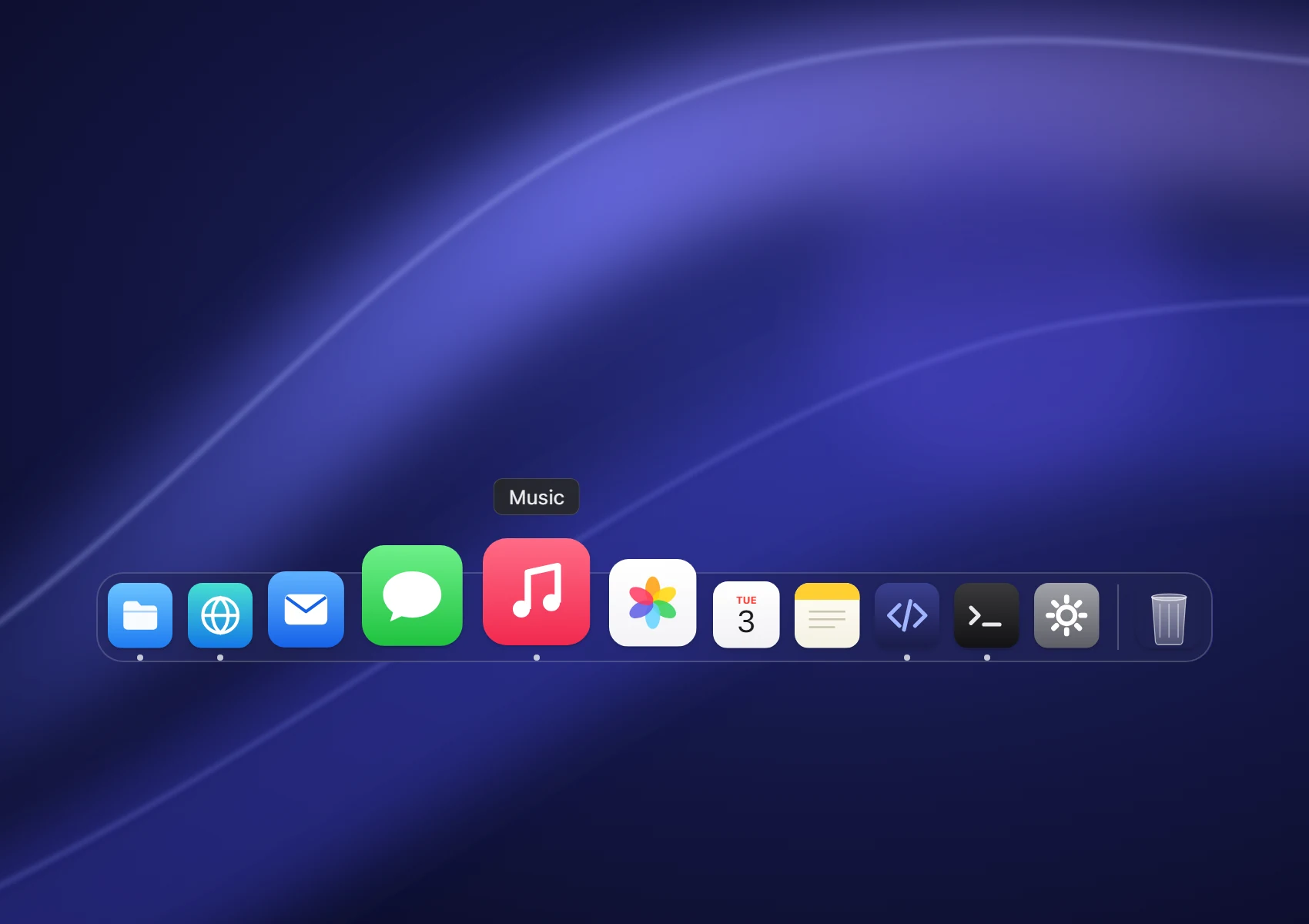
The Dock
Real magnification, the launch bounce, running dots, drag to reorder and auto-hide.
 DockSide
Download
A Dock, menu bar, Dynamic Island, Finder, Widgets and Spotlight for Windows 11. Written in Rust, open source and free forever.
Free and open source. Runs on top of Explorer, nothing replaced.
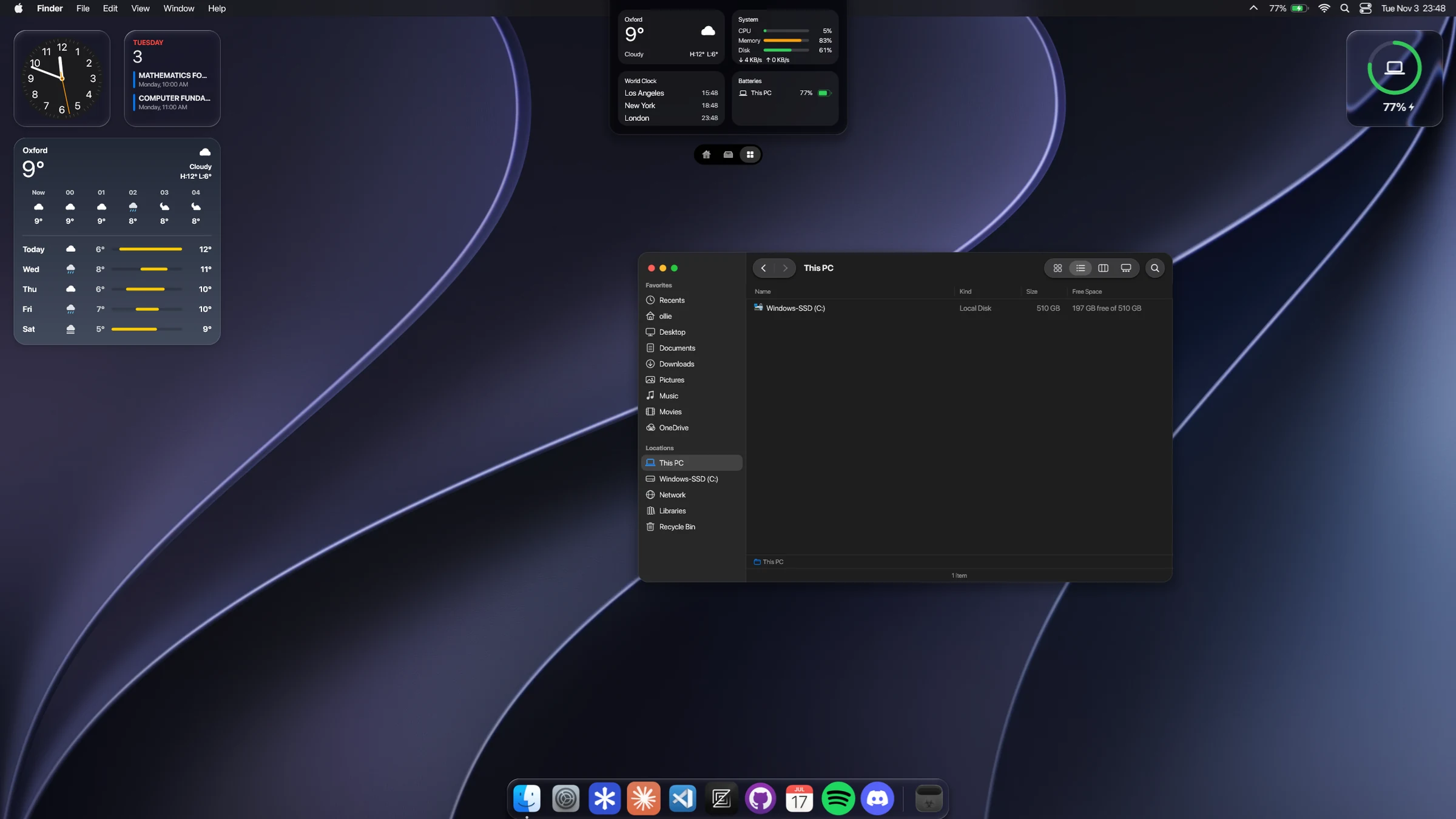
Everything you love about the Mac desktop, rebuilt natively for Windows 11.
Real magnification, the launch bounce, running dots, drag to reorder and auto-hide.
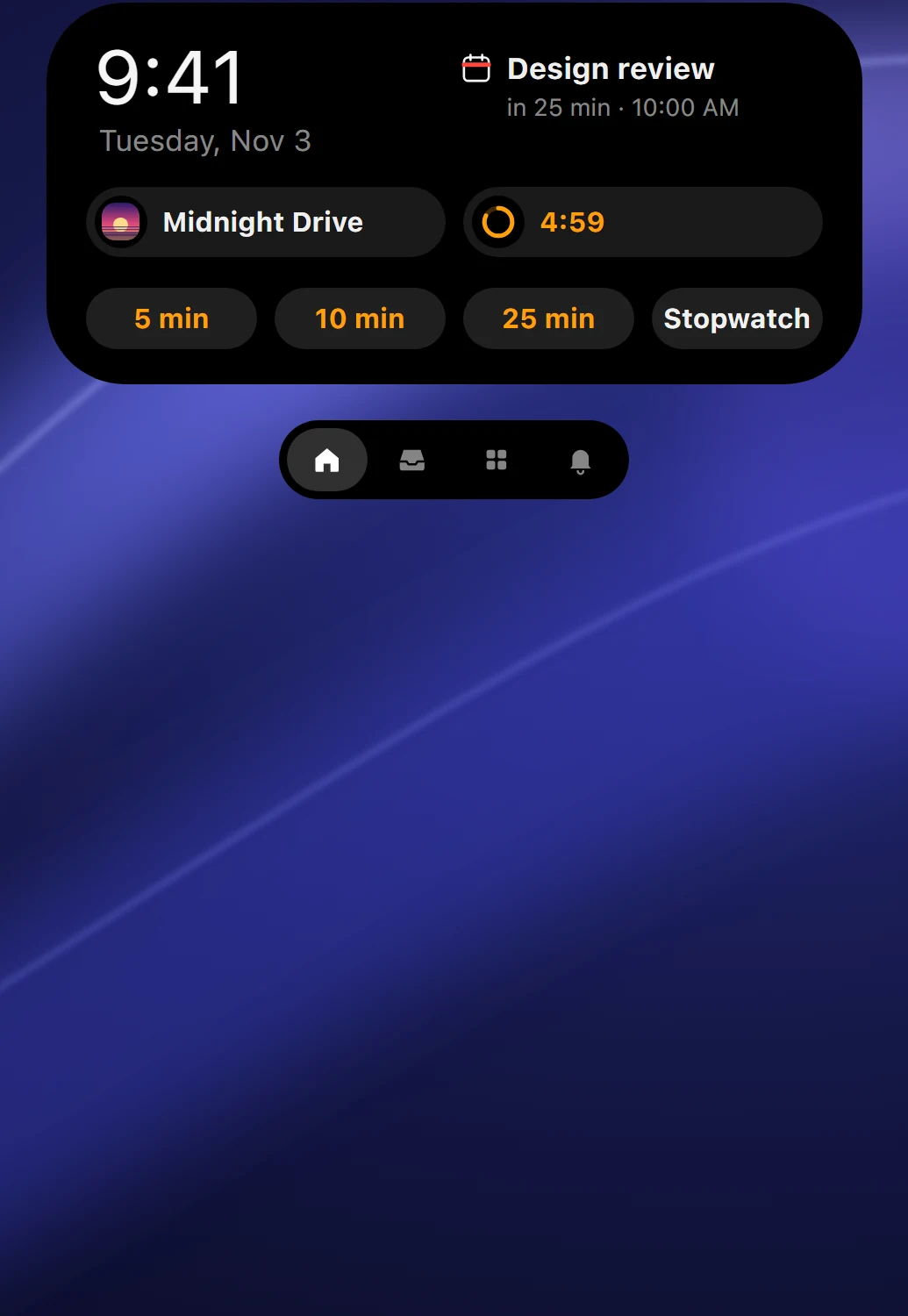
A pill that springs between music, timers, alerts and your files.
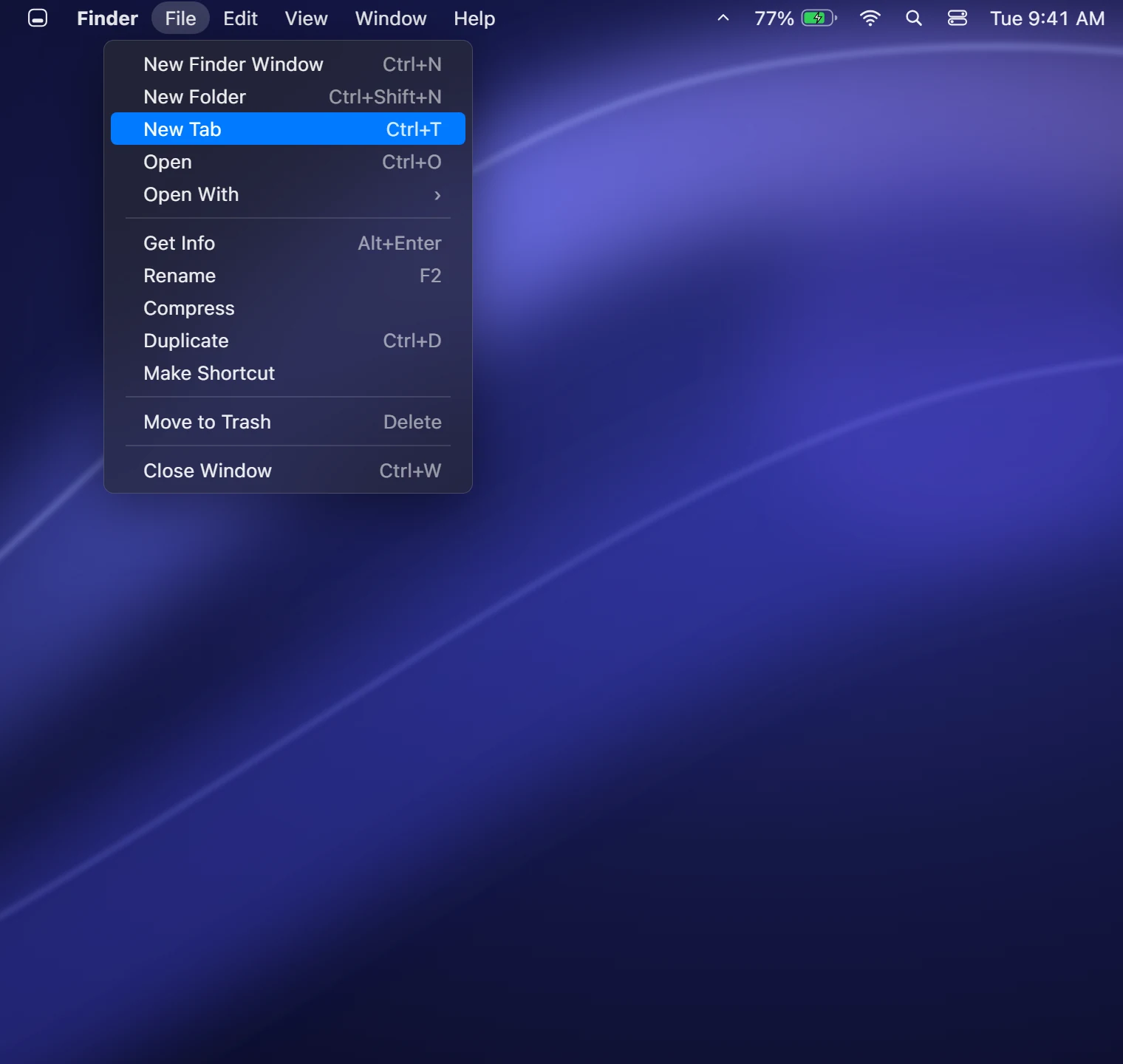
File, Edit, View and Window that drive the app you're in.
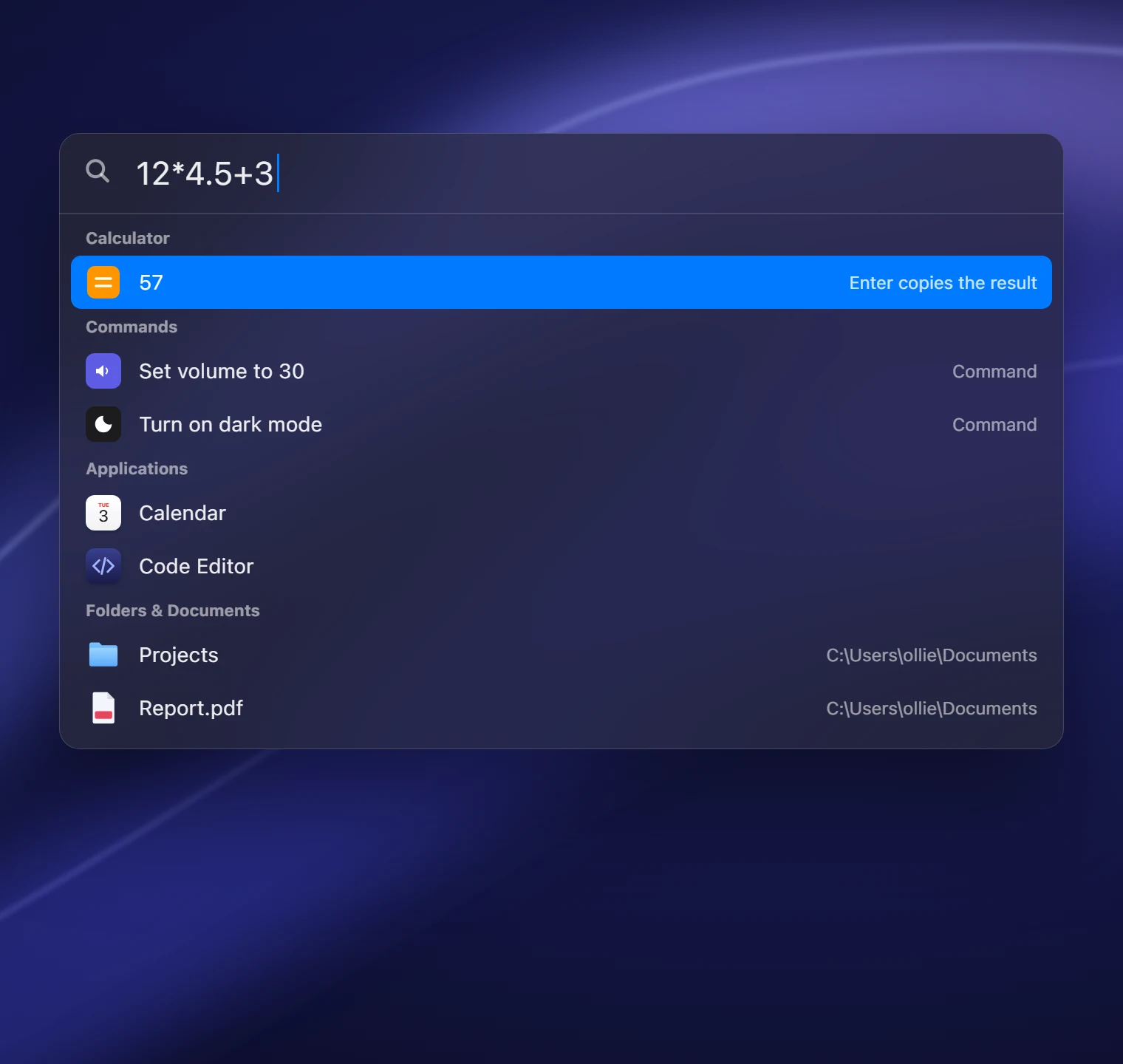
Alt+Space for apps, files, math and every Windows setting.
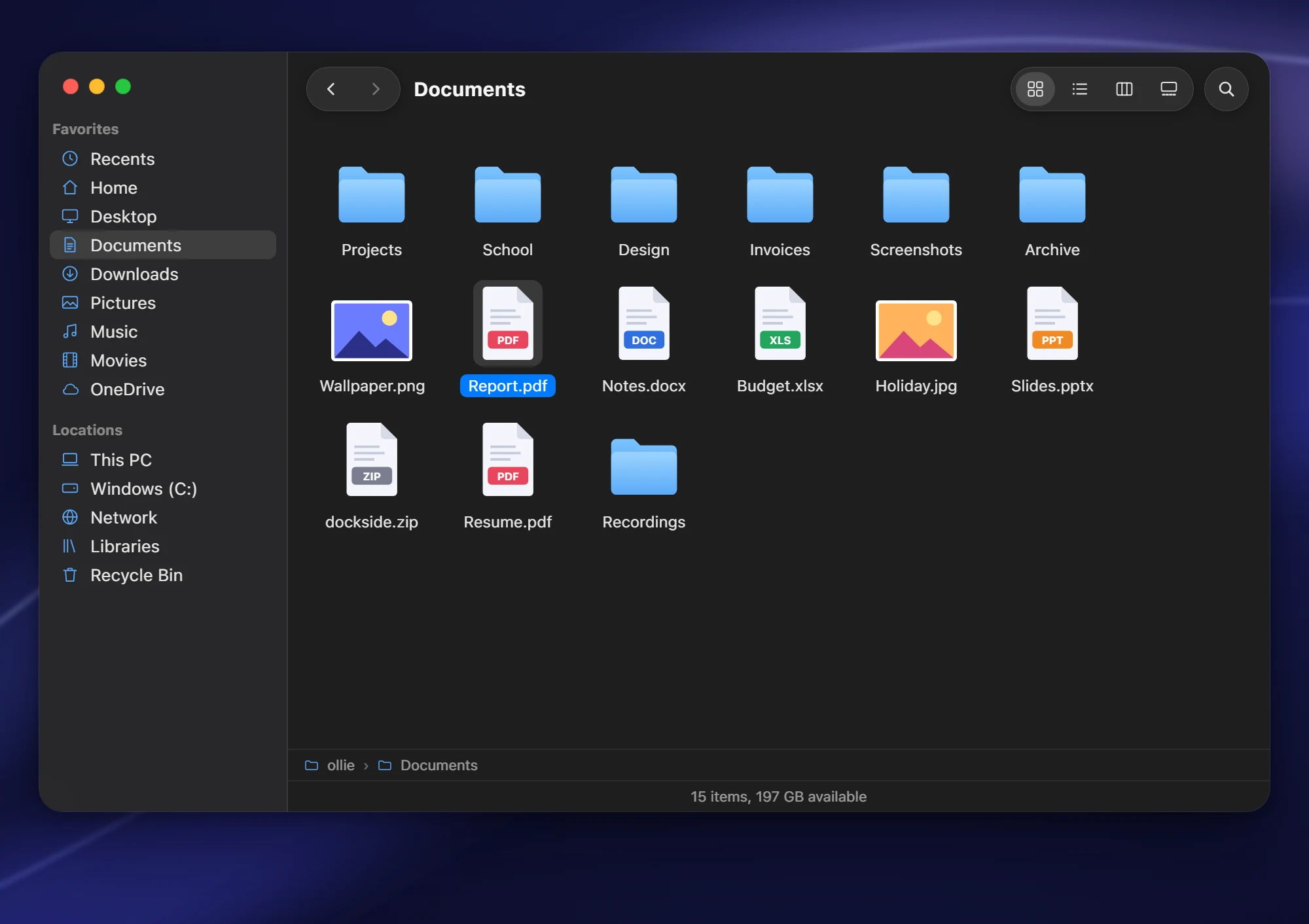
Everything File Explorer does, in Finder's clothes.
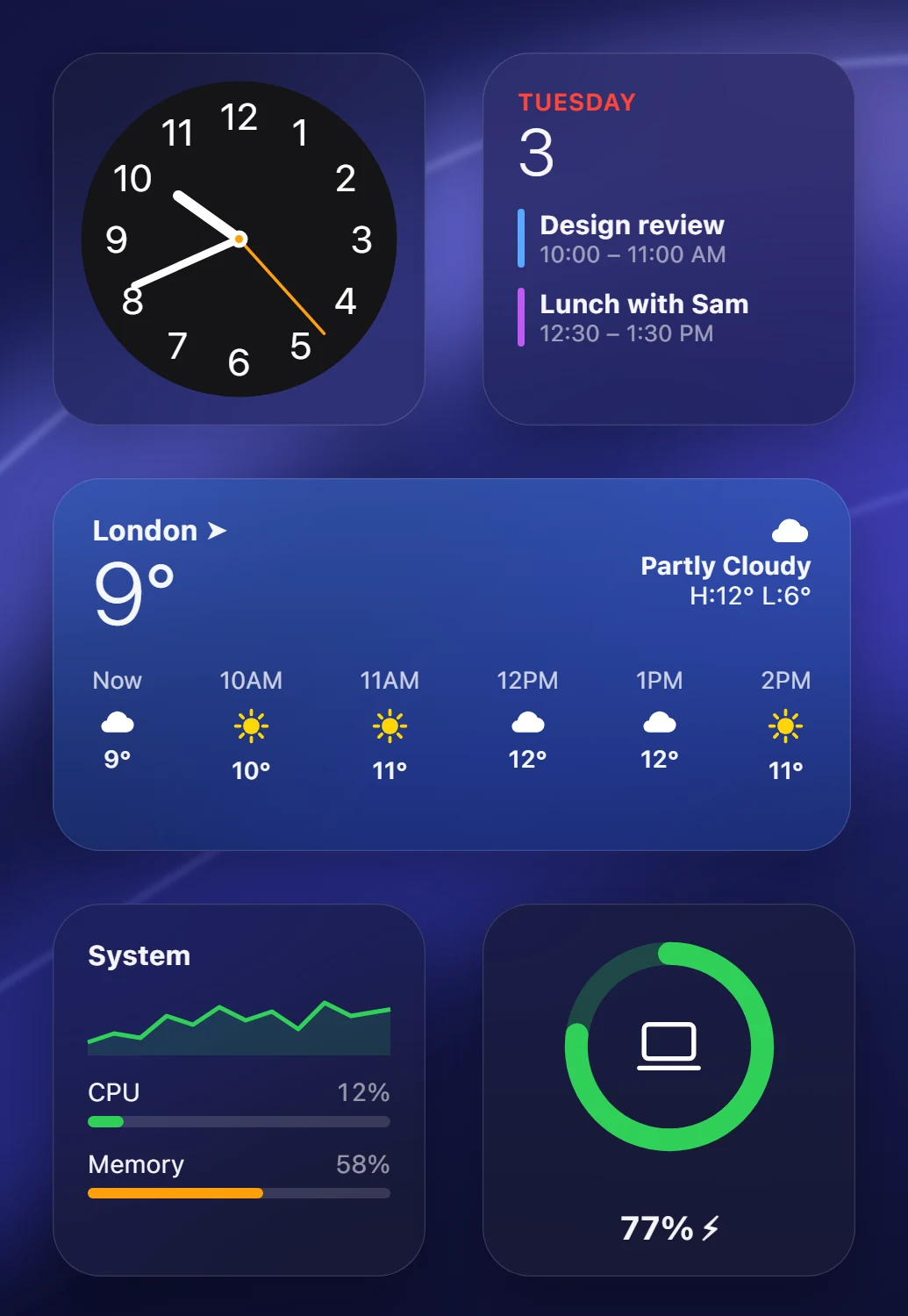
Sonoma-style cards that live on your wallpaper.
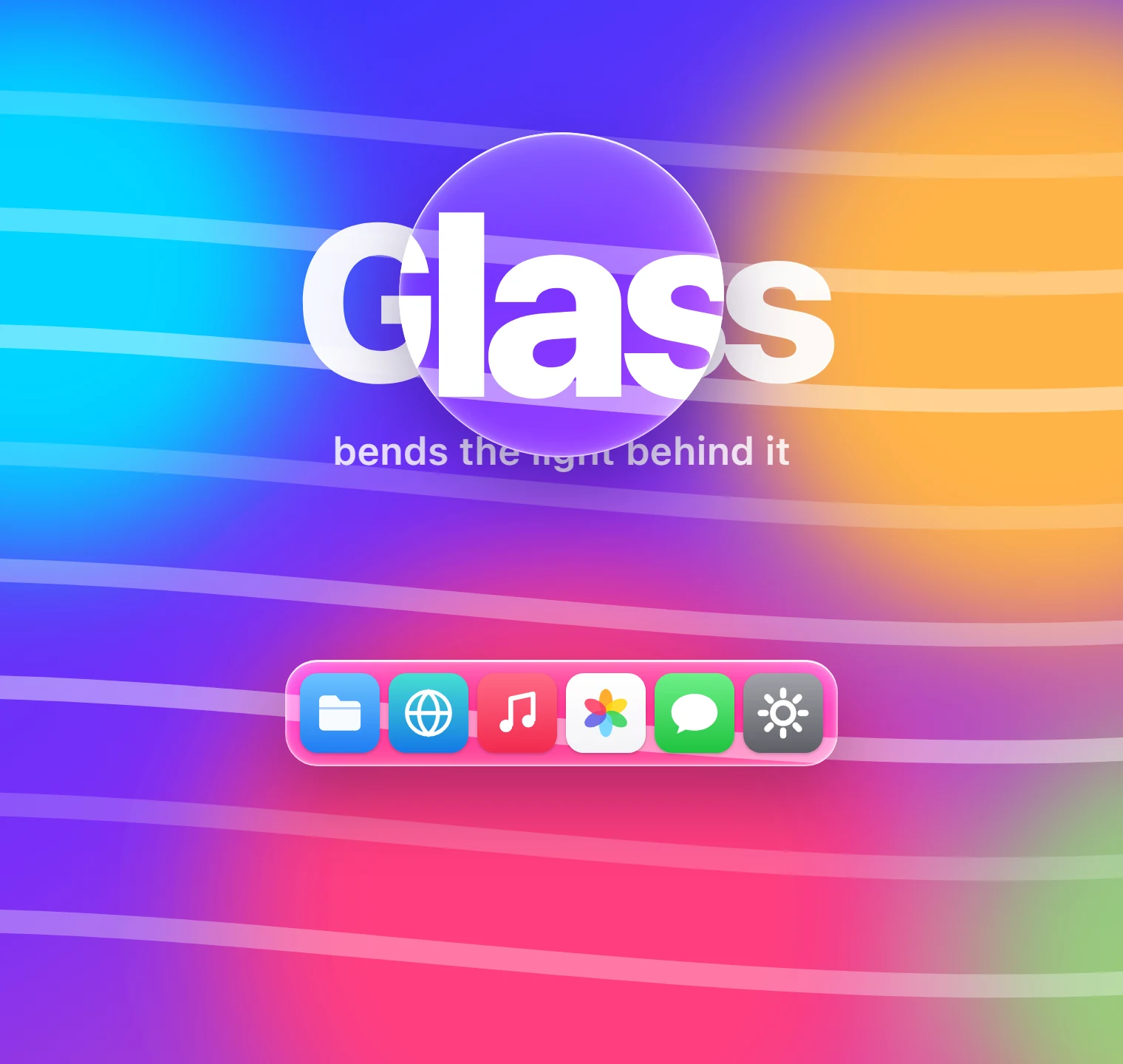
Glass that really refracts, with a GPU lens shader.
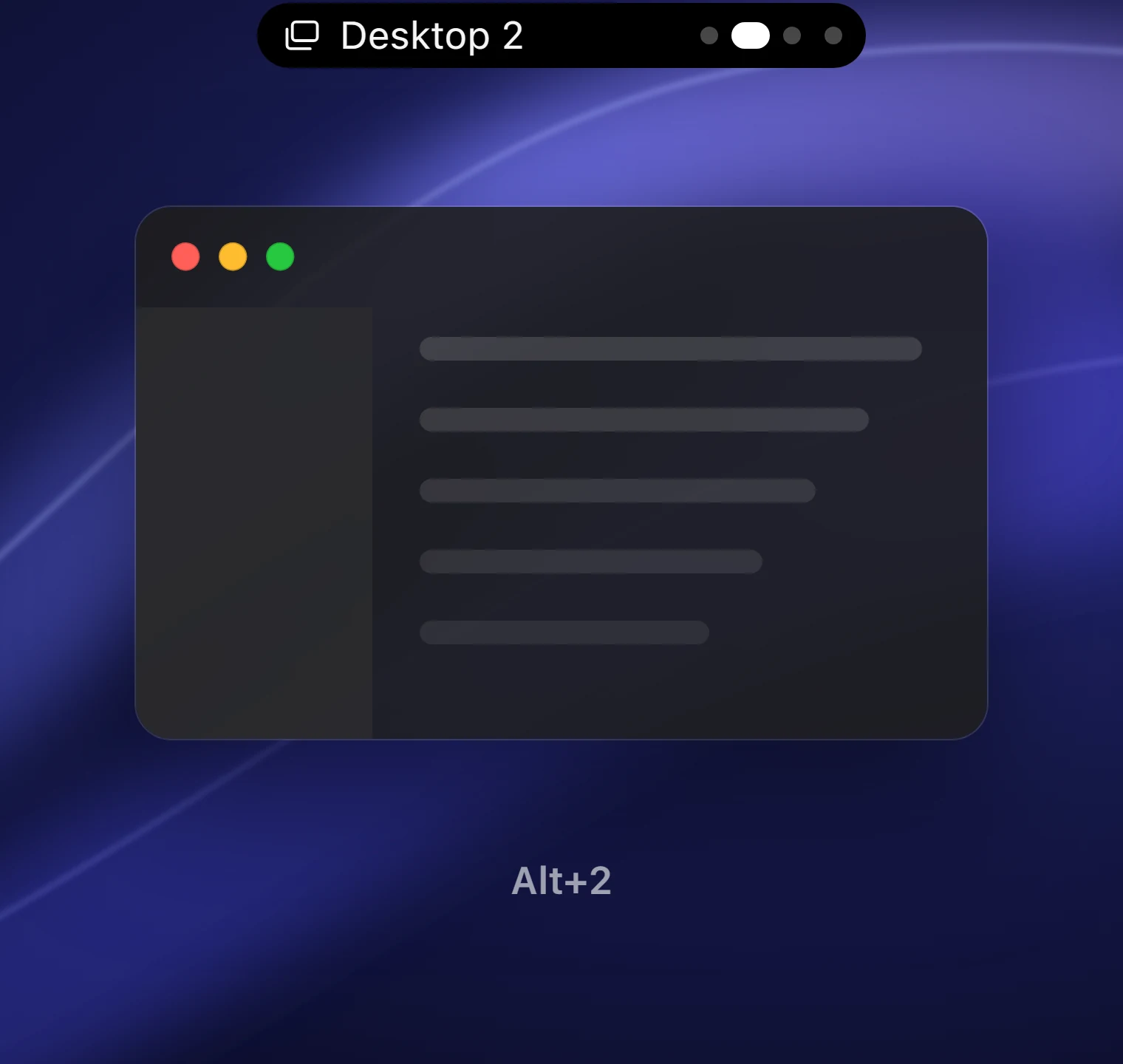
Alt+1 to 9 jumps straight there, animated in the island.
Music, files, alerts and anything you script show up at the top of the screen, then step aside when they're done.
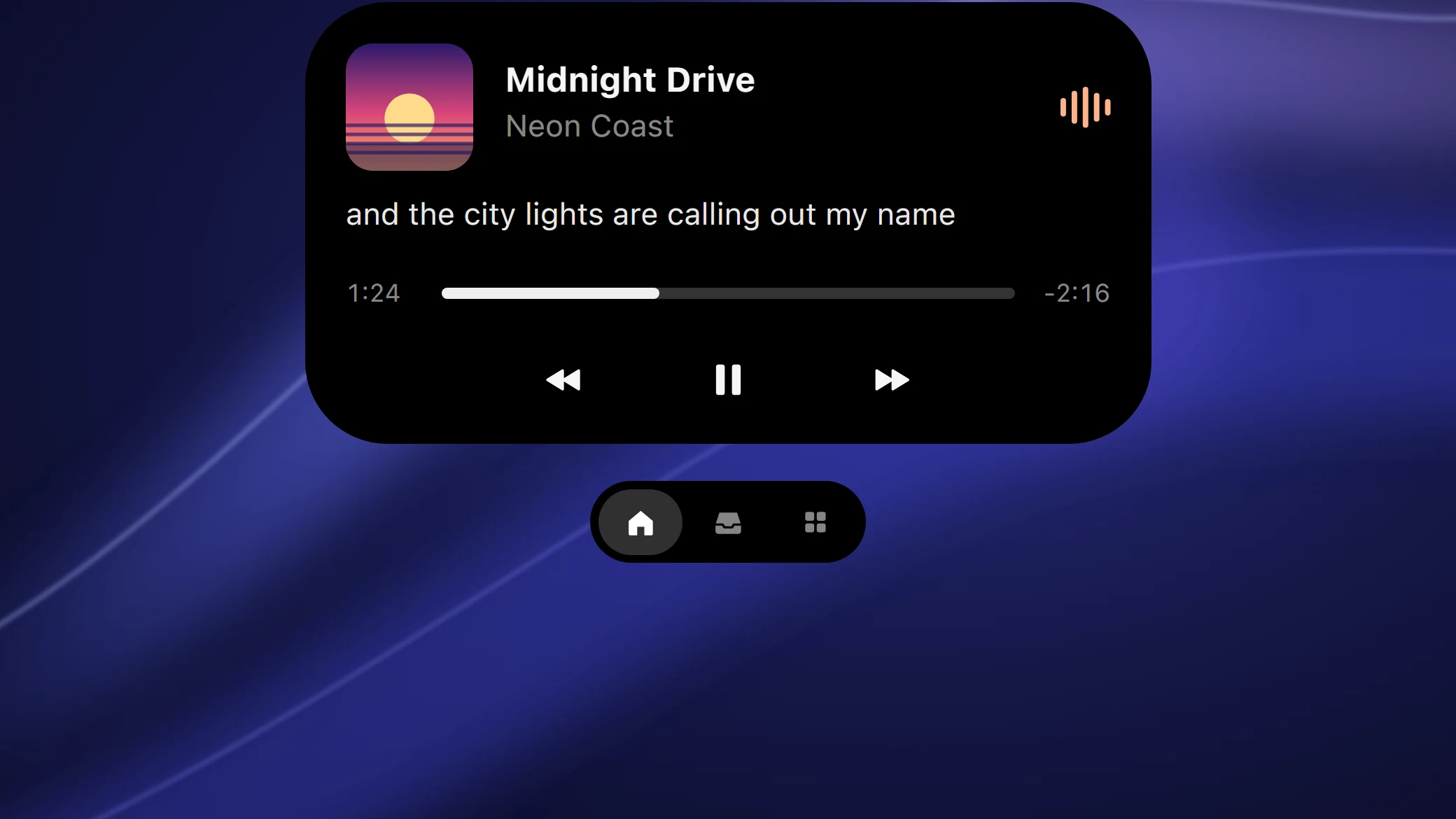
Now Playing, from anything. Spotify, your browser or Media Player. Artwork, a waveform tinted to match, scrubbing, swipe to skip and synced lyrics.
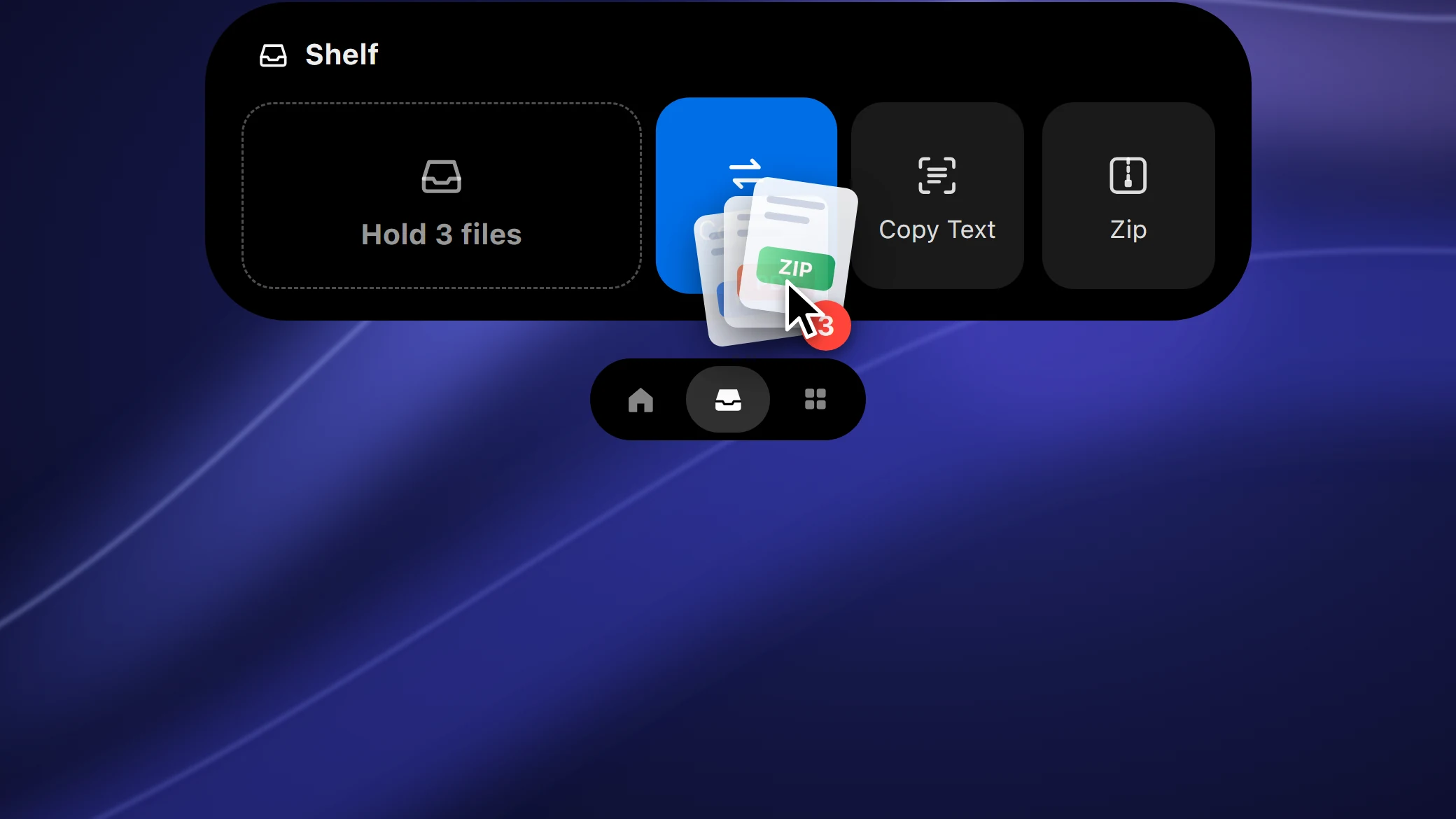
Drop files at the top of the screen. Hold them on the shelf, then drag them out where you need them. Convert, zip or pull the text out of pictures right there.
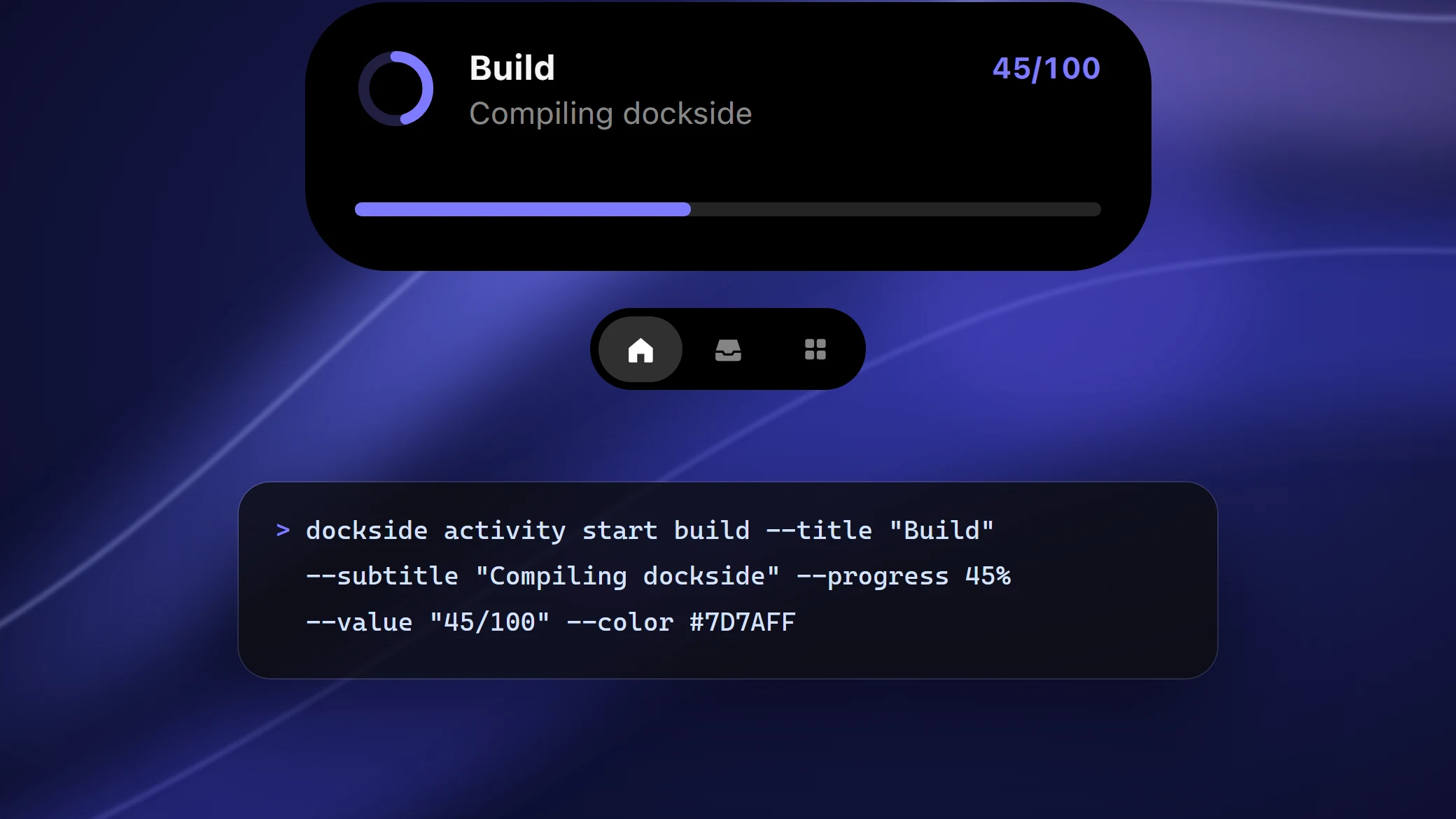
Your builds, timers and downloads, live. Anything that can run a command can put progress, a countdown or a status in the island.
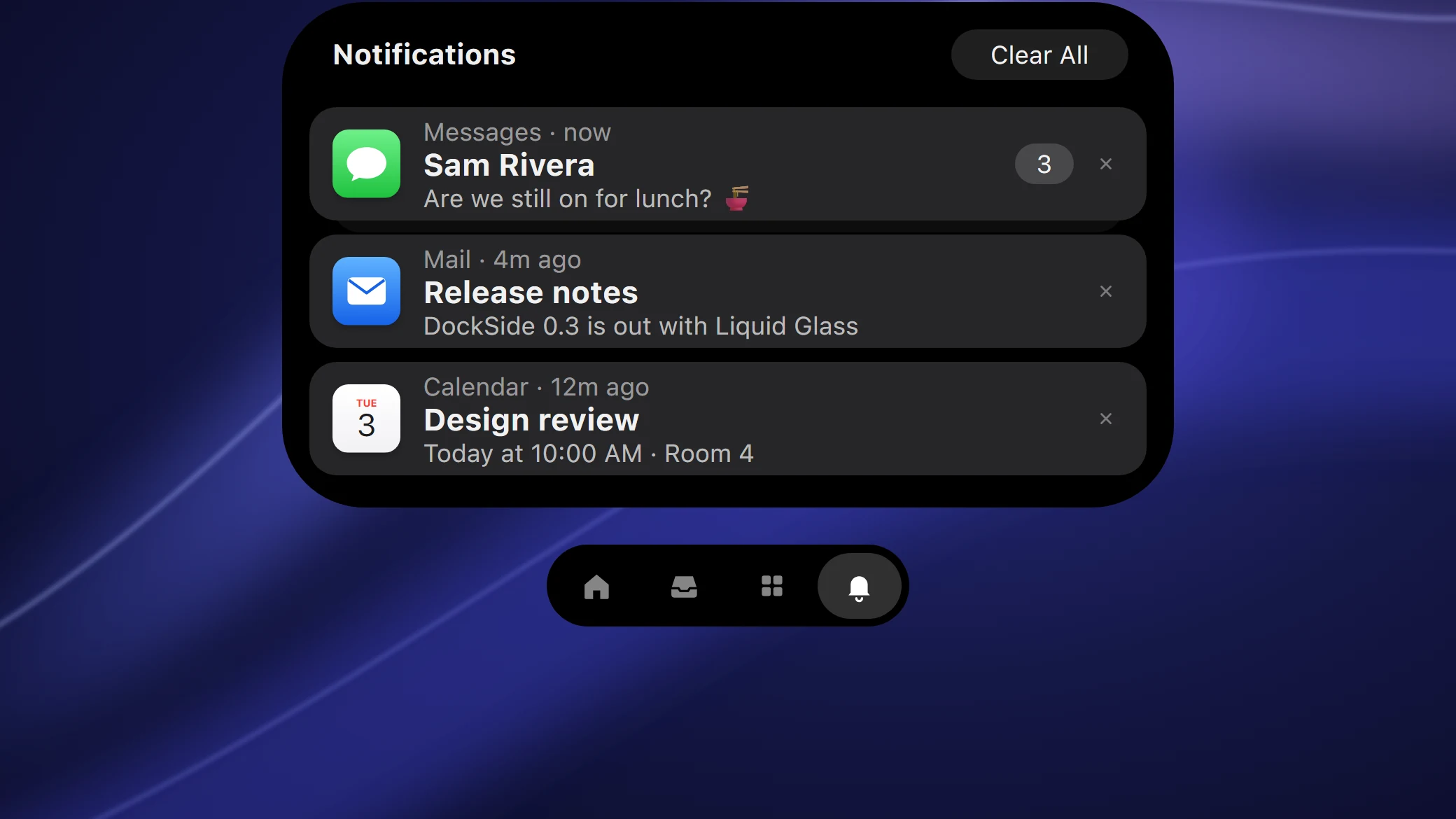
Notifications, stacked by app. Banners drop from the island, then wait in a stack in step with Windows' notification center. Swipe one away to dismiss it.
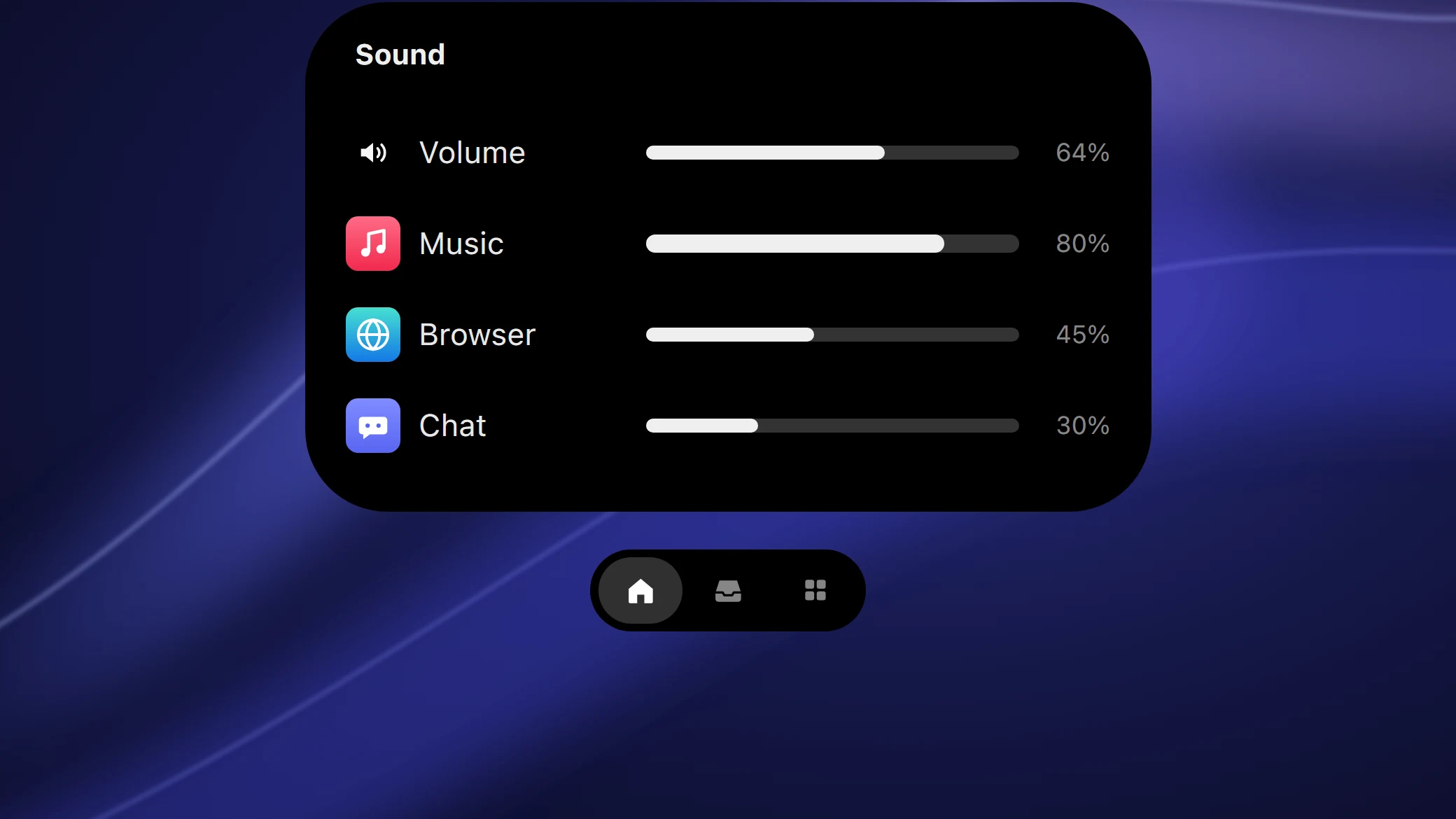
Goodbye, Windows volume popup. Volume and brightness show in the island. Drag the bar, scroll over the pill, or open a mixer for every app.
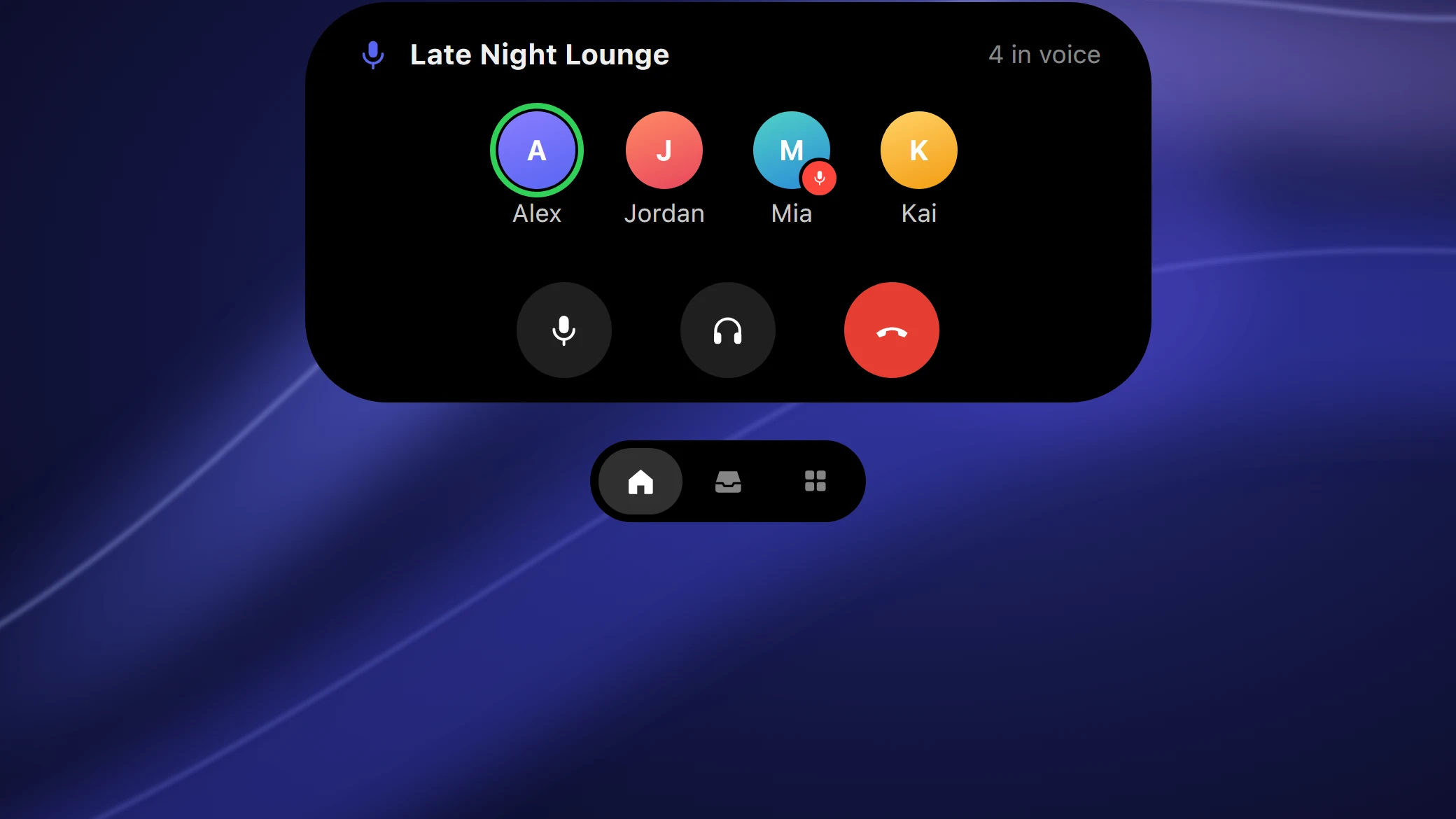
Discord voice, at a glance. See your channel and who's talking, with mute, deafen and leave one click away.
One command starts a Live Activity. Add progress, a countdown, a color or an icon, and click through to open a file, app or URL when it's done.
> dockside activity start build --title "Build" --progress 0%
> dockside activity update build --progress 45% --value "45/100"
> dockside activity end build --subtitle "Finished"Every shell location, every view and every shortcut you already know, with a glass sidebar like macOS Tahoe.
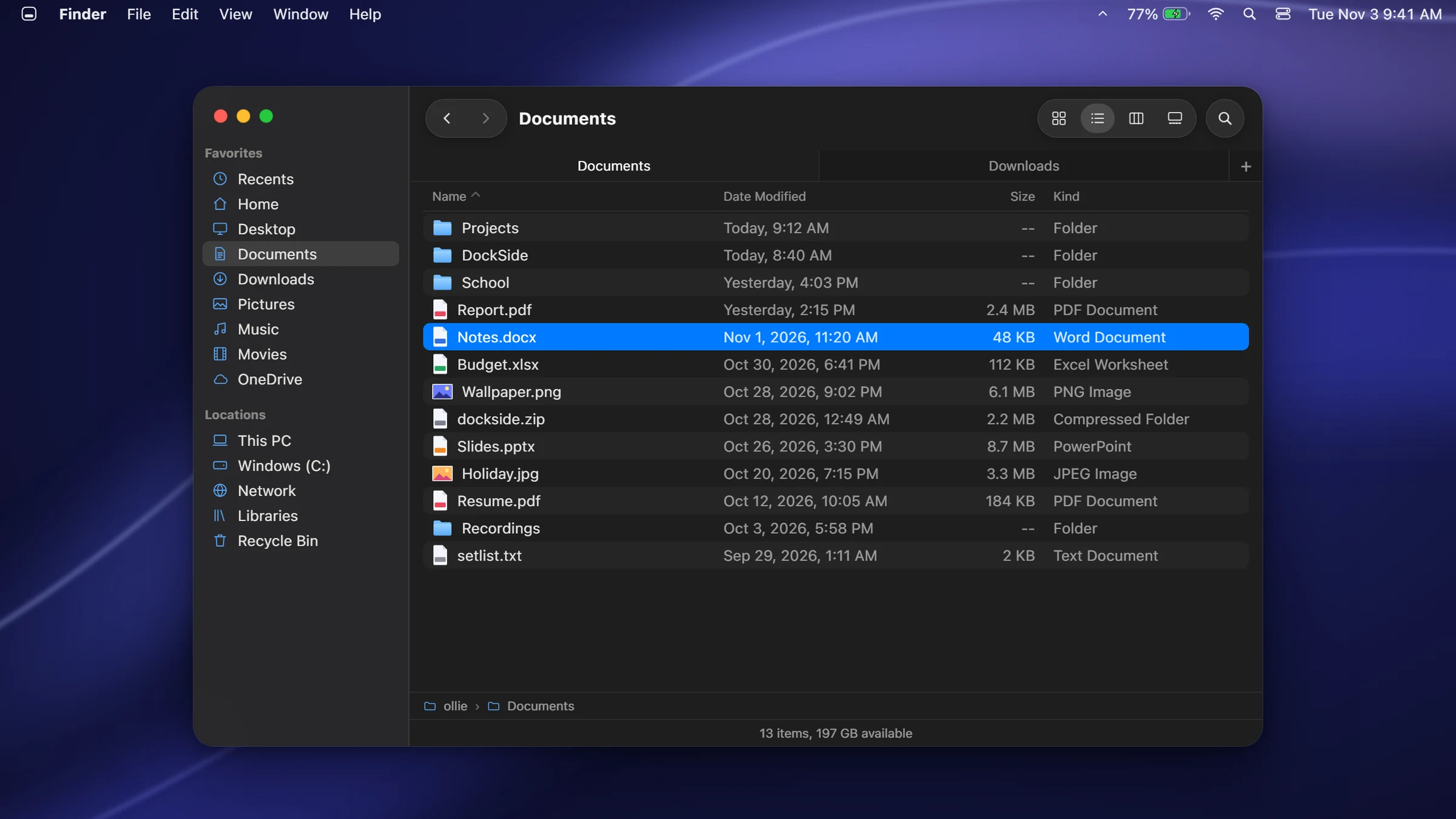
Sort by any column, group by kind or date, preview pane and Quick Look with Space.
macOS right-click items, plus "More Options" with 7-Zip, Git and every app extension.
Ctrl+Z moves, copies, renames and deletes, through Windows' own progress dialogs.
This PC, network shares, the Recycle Bin, phones, cameras and zip files.
Ctrl+T, middle-click a folder, Ctrl+Tab. Ctrl+N opens the folder you're in.
Filter with kind:image date:thisweek size:large right from the toolbar.
Type 12*4.5+3 in Spotlight, press Enter and the answer is on your clipboard.
Start with a backslash to search about 200 KaTeX commands, with previews.
"brightness 60", "dark mode", "lock" or any Settings page, straight from Spotlight.
An orange or green dot while an app is listening or watching, with its name.
Start one from the island or just type "timer 10m" into Spotlight.
The words follow the song, line by line, right in the expanded player.
Current, hourly and 5-day weather, with up to four time zones beside it.
Your PC and every connected Bluetooth device, with a heads-up when one runs low.
Your next meeting from the Windows calendar, a few minutes before it starts.
Everything you love about the Mac, on the PC you already own. No new hardware, no subscription, nothing replaced. Just a faster, calmer desktop.
DockSide is built to stay out of your way.
Every feature, every update, for nothing. The code is on GitHub for anyone to read and improve.
The Windows taskbar hides while DockSide runs and always comes back when it quits.
Native Rust, Direct2D and vsync-paced animations. It sleeps until something moves.
A plain TOML file with hot reload, and only the part you changed redraws.
Accent colors, per-monitor DPI and a menu bar that picks its text color from your wallpaper.
Ideas, bugs and builds happen in the open on GitHub and Discord.
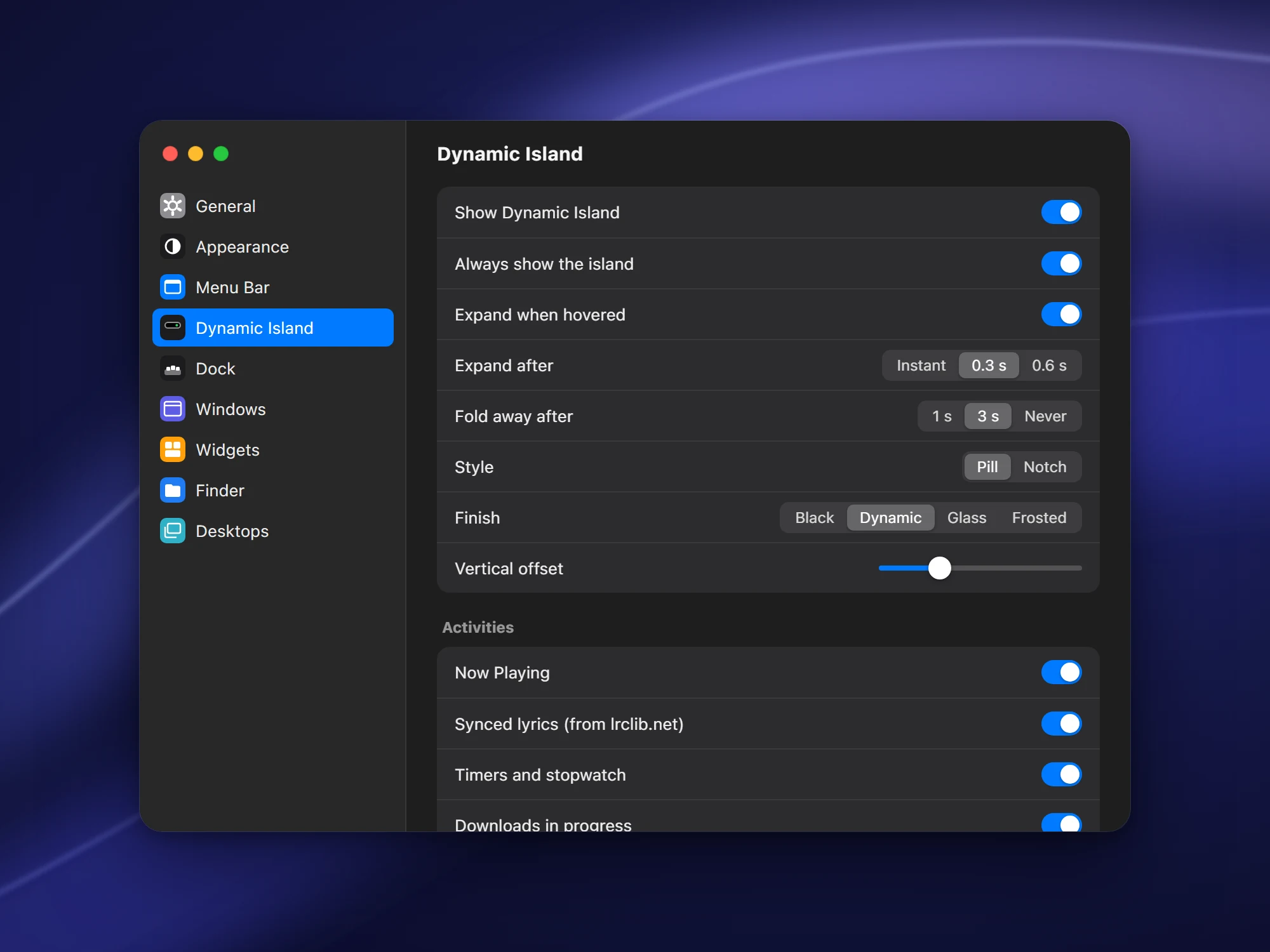
A System Settings window for everything: Dock size and magnification, menu bar style, glass or solid, accent color, fonts, widgets and start at login.
Download it, run it, and your desktop is a Mac. Quit any time and Windows is exactly how you left it.
Windows 11 · 64-bit
No. It runs on top of Explorer. The Windows taskbar is hidden while DockSide runs and is restored when it exits. Nothing is installed into the system.
Windows 11 with Transparency effects on (Settings › Personalization › Colors) for the blurred glass. Virtual desktop shortcuts use Windows 11 24H2 or newer.
If DockSide is ever force-closed, run dockside.exe --restore-taskbar and the taskbar returns.
Yes. DockSide is free and open source. There's nothing to buy and no account to make.
Open System Settings from the logo menu, or edit %APPDATA%\DockSide\config.toml by hand. Changes apply as soon as you save.
Turn on "Start DockSide at login" in Settings › General.